


Why Is My WordPress Website Slow? 12 Common Causes and Fixes
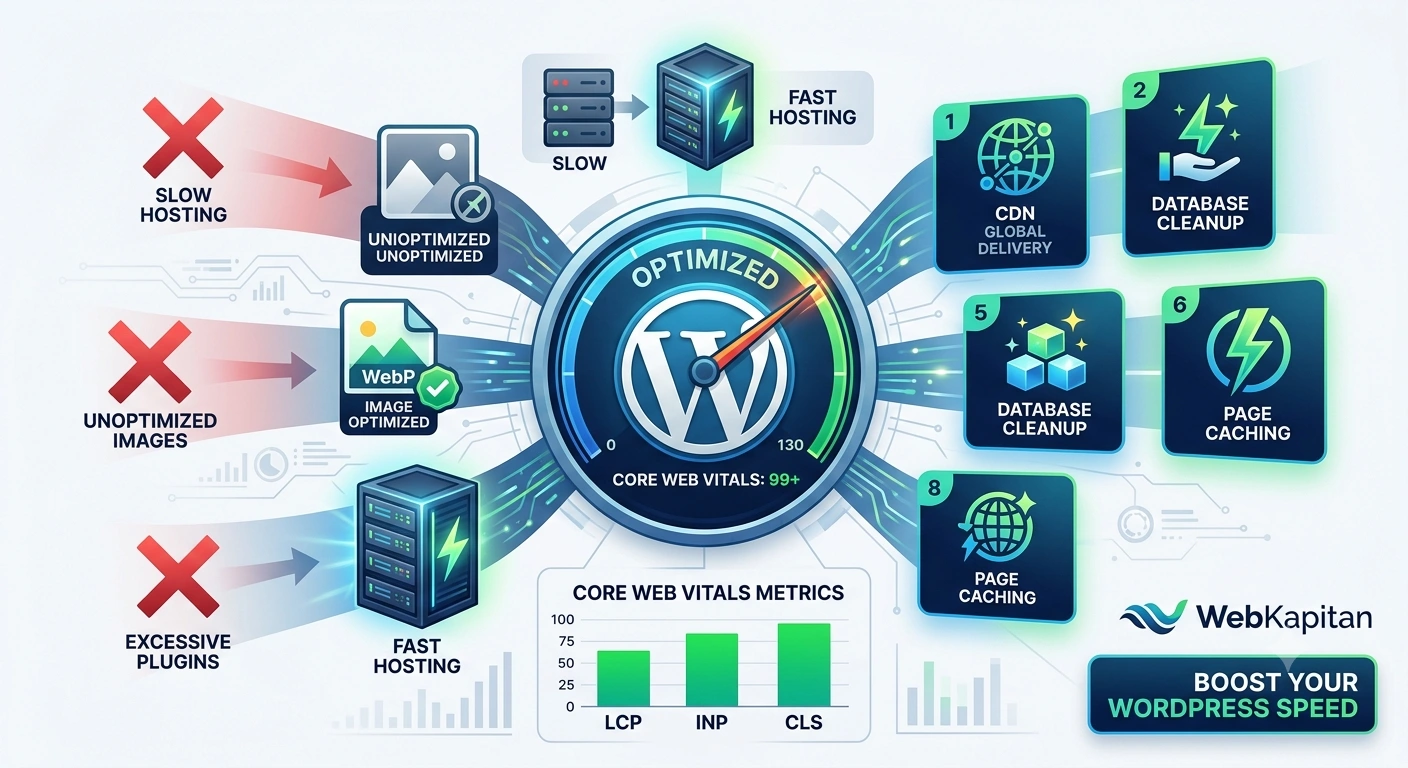
If you’ve ever asked yourself, “Why is my WordPress website slow?”, you’re not alone.
Website speed affects everything from user experience and conversion rates to SEO rankings and Core Web Vitals. Even a well-designed website can lose visitors if pages take too long to load.
The good news is that most WordPress performance problems can be identified and fixed.
Let’s look at the most common causes of slow WordPress websites and how to solve them.
1. Poor Quality Hosting
The fastest WordPress optimization starts with the server.
Many performance issues originate from:
- Oversold shared hosting
- Insufficient server resources
- Outdated PHP versions
- Slow database performance
Before optimizing plugins or themes, make sure your hosting environment isn’t the bottleneck.
2. Too Many Plugins
One of the most common mistakes is installing plugins for every small feature.
More plugins don’t automatically mean slower performance, but poorly coded plugins can significantly increase:
- Database queries
- HTTP requests
- Memory usage
Review your plugin list regularly and remove anything unnecessary.
3. Unoptimized Images
Large image files are among the biggest causes of slow page loading.
Common problems include:
- Uploading images directly from cameras
- Using oversized dimensions
- Missing compression
- Excessive image sizes generated by WordPress
Image optimization can often reduce page weight by several megabytes.
If you’re interested in image-related performance improvements, see our guide on Optimizing WordPress: Removal of Unnecessary Image Sizes.
4. No Page Caching
Without caching, WordPress generates pages dynamically for every visitor.
This means:
- More PHP processing
- More database queries
- Higher server load
Page caching dramatically reduces server work and improves loading speed.
5. Excessive Database Queries
Complex themes and plugins often generate unnecessary database requests.
Common examples include:
- Multiple WP_Query loops
- Poorly optimized custom code
- Excessive AJAX requests
On larger websites, inefficient database queries can quickly become a major performance bottleneck.
To better understand query optimization, read our article on WP_Query Class in WordPress Development.
6. Heavy Page Builders
Some page builders create large amounts of HTML, CSS, and JavaScript.
This can negatively affect:
- Largest Contentful Paint (LCP)
- Interaction to Next Paint (INP)
- Overall page speed
For many custom projects, lightweight solutions built with Advanced Custom Fields (ACF) often provide better performance and maintainability.
See also: ACF Pro vs Gutenberg.
7. Too Much JavaScript
Modern websites often load dozens of JavaScript files.
Common sources include:
- Sliders
- Analytics tools
- Marketing scripts
- Chat widgets
- Tracking pixels
Every additional script increases browser processing time.
Regularly audit third-party scripts and remove anything unnecessary.
8. Render-Blocking CSS and JavaScript
Sometimes the browser must download multiple resources before displaying content.
This creates delays that affect:
- First Contentful Paint
- Largest Contentful Paint
Proper asset optimization can significantly improve loading performance.
9. Missing CDN
If your audience is geographically distributed, a Content Delivery Network (CDN) can reduce latency by serving files from locations closer to users.
Benefits include:
- Faster global delivery
- Reduced server load
- Improved reliability
CDNs are especially useful for international websites.
10. Poor Theme Architecture
Not all WordPress themes are built equally.
Common issues include:
- Excessive code
- Unused features
- Large CSS files
- Multiple external dependencies
Custom-built themes are often significantly faster than generic multipurpose themes.
11. External Services Slowing Down Your Website
Your website may depend on external services such as:
- Google Fonts
- Analytics platforms
- Social widgets
- Video embeds
If these services respond slowly, your website can become slower as well.
Always monitor third-party requests when analyzing performance.
12. Outdated PHP Version
Many website owners forget to update PHP.
Newer PHP versions often provide:
- Better performance
- Improved security
- Lower resource consumption
Running an outdated PHP version can significantly reduce website speed.
How to Measure WordPress Performance
Before making changes, gather data.
Useful tools include:
- Google PageSpeed Insights
- GTmetrix
- Lighthouse
- Chrome DevTools
Focus on metrics such as:
- Largest Contentful Paint (LCP)
- Interaction to Next Paint (INP)
- Cumulative Layout Shift (CLS)
These Core Web Vitals metrics play an important role in both user experience and SEO.
A Practical Performance Checklist
If your WordPress website feels slow, start with this checklist:
- Upgrade hosting if necessary
- Update PHP
- Remove unused plugins
- Optimize images
- Enable caching
- Review database queries
- Audit JavaScript usage
- Minify CSS and JS
- Consider a CDN
- Test Core Web Vitals regularly
Final Thoughts
A slow WordPress website is rarely caused by a single issue.
In most cases, performance problems result from multiple small inefficiencies that accumulate over time.
By systematically addressing hosting, images, plugins, code quality, and database performance, you can dramatically improve loading speed and user experience.
Need Help Optimizing WordPress Performance?
At WebKapitan, we help businesses and agencies improve WordPress performance through:
- Performance audits
- Custom theme optimization
- Database optimization
- ACF-based development
- Core Web Vitals improvements
Learn more: